
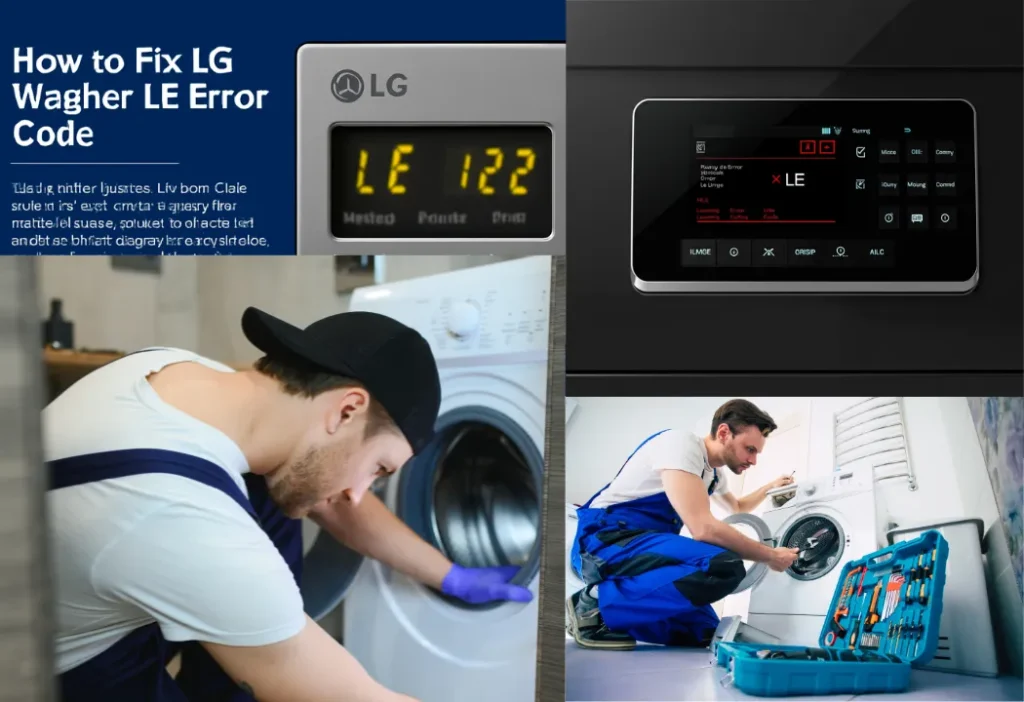
To fix the LG Washer LE Error Code, first try a simple reset. Unplug the washer for 15 minutes, then press and hold the START/PAUSE button for 5 seconds before plugging it back in. This error code means the motor is locked, often due to an overloaded drum or excessive suds. If resetting doesn’t work, reduce the size of your laundry load and check the washer tub for any small foreign objects that could be causing a blockage.
When your LG washing machine suddenly stops and displays an error, it can be a frustrating experience. The LG Washer LE Error Code is a common issue that many homeowners face, indicating a problem with the washer’s motor. This error can bring your laundry routine to a halt, but it doesn’t always mean a costly repair is needed. This guide will walk you through what the LE Error means, what causes it, and how you can resolve it with simple, step-by-step solutions. We will cover everything from basic troubleshooting to knowing when it’s time to call in a professional.
What is the LG Washer LE Error Code?
The LG Washer Error Code LE signifies a “locked motor error.” Your LG washing machine’s motor is designed with a safety system to prevent damage from overworking. When the machine’s control board detects that the motor is struggling, either because it’s locked up or straining under a heavy load, it triggers the LE Code. Essentially, the washer is protecting itself from potential damage. This could be due to a simple issue like an overloaded drum or a more complex problem related to the motor’s internal components, such as a motor sensor dysfunction.
Common Causes of the LE Error Code
Several factors can lead to an LG Washing Machine LE Error. Understanding the common causes can help you quickly identify and solve the problem.
- Overloading the Washer: The most frequent cause is an overloaded load. Putting too much laundry in the machine, especially bulkier items like comforters or heavy blankets, puts immense strain on the motor. This excess laundry prevents the drum from spinning freely.
- Heavy Suds from Too Much Detergent: Using more detergent than recommended can create excessive suds. These suds act as a cushion, making it difficult for the drum to turn and causing the motor to work harder than it should.
- Issues with the Hall Sensor: The Hall Sensor, or motor speed sensor, is a critical part that monitors the motor’s speed and communicates with the control board. If this sensor fails or has a loose connection, it can send incorrect signals, leading to the error. This is a common point of failure in both a top load washing machine and a front-loading washing machine.
- Foreign Objects in the Drum: Sometimes, a small foreign object like a coin, a loose button, or even bra underwires can get stuck between the inner and outer washer tub. This can jam the drum, preventing it from spinning and triggering the error.
How to Fix the LG Washer LE Error Code
Before you panic, try these troubleshooting steps. Here is how to fix LE error in LG washing machine with a few simple checks.
- Reset Your LG Washer: The first step is to perform a hard reset. This can often clear temporary glitches. Unplug the washer from the power outlet and wait for about 10-15 minutes. While it’s unplugged, press and hold the “Start/Pause” button for about five seconds. This helps discharge any remaining electrical power. Plug the washer back in and try running a cycle. This simple LG washer reset LE error procedure often works.
- Check the Load Size: If the error appeared mid-cycle, the machine might just be overloaded. Open the door and remove some items to create more space. For suitably sized loads, you should be able to fit your hand between the clothes and the top of the drum. Try running a rinse and spin cycle with the reduced load.
- Inspect for Foreign Objects: Carefully inspect the inside of the drum for any small items that could be causing a blockage. Check the rubber seal around the door of your front load washer and feel around the edges of the washer tub.
- Examine the Motor and Hall Sensor: For those comfortable with a bit of DIY, you can inspect the motor components. Always unplug the washer before starting any internal inspection. You may need to remove the back panel to access the motor. Check for any loose wiring connections to the Hall Sensor. If the sensor appears damaged or tests faulty with a multimeter, it will need to be replaced.
When to Call a Service Technician
While many causes of the LE error are simple fixes, some situations require professional help. It’s time to call a service technician if:
- The error code persists after you have tried all the troubleshooting steps.
- You hear grinding or unusual noises from the motor area, which could signal a cracked drum support or a failing motor.
- You are not comfortable performing inspections on the internal motor components.
A professional can diagnose the problem accurately and safely. Attempting complex repairs without the right knowledge can lead to further damage. A reputable appliance repair service center can provide a call-out service to get your machine running again.
Tips for Preventing the LE Error Code
Prevention is always better than a cure. To keep your LG washer running smoothly and avoid the LG washer LE error code fix process, follow these simple tips:
- Avoid Overloading: Always wash suitable size loads. If you need to wash bulkier items, use the designated bedding cycle, which is designed to handle them.
- Use the Right Amount of Detergent: Follow the detergent manufacturer’s guidelines. Using a high-efficiency (HE) detergent is crucial for a modern, energy efficient washer.
- Run Regular Cleaning Cycles: Many LG models have a “Tub Clean” cycle. Running this monthly helps clear out residue and prevent buildup.
- Check Pockets: Before loading laundry, always check pockets for coins, keys, or other small items that could become a foreign object in the drum.
Conclusion
The LG Washer LE Error Code can seem alarming, but it is often a problem you can solve yourself. By understanding that it points to a motor issue, you can troubleshoot by checking for an overloaded load, resetting the machine, or clearing any obstructions. These simple steps can save you time and money. However, for more complex issues like a faulty Hall Sensor, it is best to rely on a professional. By following our preventive tips, you can keep your top-load machine or front-loader working efficiently for years to come and avoid this error.
Frequently Asked Questions (FAQs)
Q: How do you fix the LE error on LG washers?
A: The most common fix is to reset the washing machine. Unplug it for 15 minutes, press and hold the START/PAUSE button for 5 seconds, then plug it back in. Also, reduce the load size if it’s too full. This often resolves the LE error on LG washer.
Q: What does the LE code mean on my LG top load washer?
A: For an LG top load washer, LE error code indicates a locked motor error. This happens when the motor is strained, often due to a heavy load, too many suds, or a mechanical obstruction.
Q: Can I fix the LG washing machine error code LE myself?
A: Yes, in many cases. Basic troubleshooting like resetting the machine, reducing the laundry load, and checking for foreign objects can resolve the issue. If these steps don’t work, you may have an issue with the motor speed sensor that requires professional service.
Q: Is it expensive to fix an LG washer LE error?
A: The cost depends on the cause. If it’s just an overload, the fix is free. If a part like the Hall Sensor needs replacement, the repair is moderately priced. A professional diagnosis will give you a clear cost estimate.
Need Professional Help with Your LG Washer?
If you’ve tried these solutions and the LE Error still won’t go away, it’s time to call in the experts. A persistent error code could point to a deeper issue with the motor or its sensors that requires a skilled service technician.
Don’t let a faulty appliance disrupt your life. For fast, reliable, and professional appliance repair services in the GTA, contact us today. Our certified technicians are experienced with all LG Electronics models and can diagnose and fix your washing machine quickly. Schedule your call-out service now and get your washer back in perfect working order!
If your LG washer is showing a different error, check out our guides on the “LG Washer OE Error Code: Causes, Fixes & How to Stop Your LG Washer From Not Draining and “Understanding the IE Error Code on LG Washing Machines” for help with draining and filling issues.