
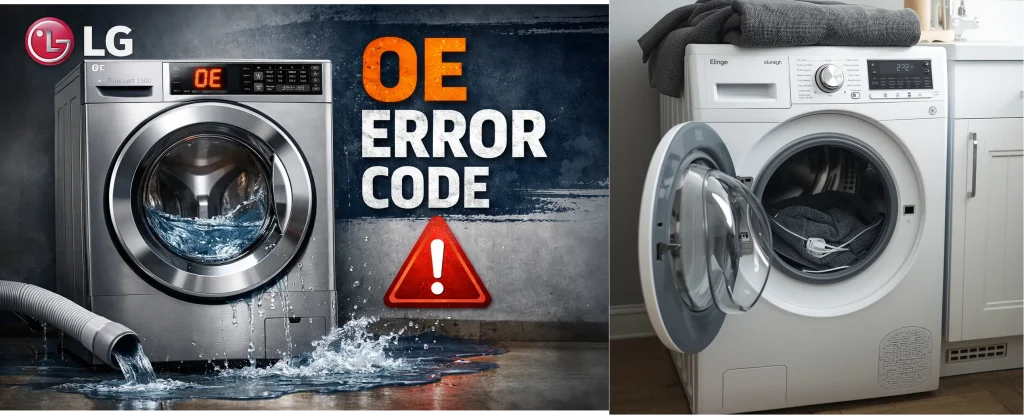
The OE error code on an LG front-load washer means the machine isn’t draining water properly. It’s usually caused by a clogged drain filter, a kinked or blocked drain hose, or a failing drain pump. Cleaning the filter and checking the hose often fixes the issue. If the error continues, the drain pump may need repair or replacement.
When your LG front-load washing machine shows an OE error code, it’s telling you there’s a problem with water drainage, the machine can’t pump out the water properly during a wash or spin cycle.
In simple terms: water is stuck inside the drum longer than it should be, and the washer pauses the cycle to protect itself and your laundry.
Common Causes of the OE Error
Here are the typical reasons an LG washer might fail to drain and show the OE code:
1. Blocked or Kinked Drain Hose
If the drain hose is bent, twisted, or partially blocked, water can’t flow out smoothly. Straightening the hose or removing obstructions often clears the issue.
2. Clogged Drain Pump Filter
The washer’s drain filter catches lint, coins, and debris. When it fills up, water can’t escape efficiently, triggering the OE code. Cleaning it regularly helps prevent this.
3. Faulty Drain Pump
Sometimes the pump motor isn’t spinning or isn’t powerful enough to remove water. You might hear the pump hum but no water leaves the machine, that’s a sign the pump may need checking or replacing.
4. Objects Stuck in the Pump or Hose
Small items (like socks, coins, buttons) can work their way into the drainage system and block flow. Inspect and clear these areas if possible.
Step-by-Step Fixes to Try
Before you call a technician, try these troubleshooting steps:
Step 1: Inspect the Drain Hose
-
Turn off and unplug your washer.
-
Pull it out from the wall and check the hose for kinks or bends.
-
Straighten it and make sure it’s free of blockages.
Step 2: Clean the Drain Pump Filter
-
Open the access panel (usually at the bottom front).
-
Place a shallow tray underneath, water may spill out.
-
Unscrew and remove the filter cap, then clear out lint and debris.
Step 3: Run a Spin-Only Test
This helps check whether the drain pump actually works:
-
Turn the washer ON.
-
Select a Spin Only or Drain & Spin cycle.
-
Start the cycle and listen for pump activity.
If you hear humming but no water drains, the pump may be failing.
Step 4: Look for Hidden Obstructions
Sometimes debris gets stuck deep in the pump or hose. If you’re comfortable doing a bit more work, remove the hose from the pump and check inside for blockages.
When to Call a Professional
If you’ve checked hoses and filters and the OE error keeps coming back, it’s likely:
-
The drain pump is faulty,
-
Internal electrical connectors are damaged, or
-
There’s an issue with the washer’s control board.
In that case, a trained appliance technician can diagnose and fix the problem safely.
Tips to Prevent the OE Error
➤ Don’t overload your washer, too many heavy items make drainage harder.
➤ Clean the drain filter routinely to keep water flowing freely.
➤ Ensure your drain hose is installed correctly and never bent sharply.
Still seeing the OE error? Let a local expert handle it.
Our certified appliance repair technicians serve Toronto, Mississauga, Brampton, Scarborough, North York, Etobicoke, Markham, Vaughan, and all GTA areas. We offer fast, same-day washer repair with honest pricing and guaranteed work.
Book your LG washer repair in Toronto & the GTA today, call now or schedule online for quick, reliable service near you.